


CargoWise contains valuable shipment, customer, financial, and operational data. But turning that information into a clear picture of business performance isn’t always straightforward.
That’s where business intelligence (BI) platforms such as Microsoft Power BI and Tableau become valuable.
Both platforms can turn CargoWise data into interactive dashboards, helping freight and logistics companies monitor performance, analyze financial results, and identify trends. However, their capabilities, pricing, licensing, and customization options differ.
So, which platform is better for CargoWise-based freight and logistics analytics? Let’s compare them based on business reporting needs.
What are Power BI and Tableau for CargoWise Analytics?
Power BI and Tableau are business intelligence and data visualization platforms that help companies analyze business information and create interactive reports.
For CargoWise users, both platforms can extend existing reporting capabilities through customized operational and financial dashboards.
Power BI, developed by Microsoft, is widely used for data modeling, financial analysis, and management reporting. Its integration with Excel, Microsoft 365, and Microsoft Fabric makes it attractive to businesses already using Microsoft tools.
Tableau, owned by Salesforce, focuses on interactive visualization and exploratory analytics. It enables users to examine datasets through charts, filters, and visual comparisons.
Both platforms can analyze CargoWise-derived information when the necessary data connections and reporting models are configured.
Why do Freight and Logistics Companies Need BI Dashboards for CargoWise?
CargoWise holds shipment, customer, operational, and financial data. BI dashboards bring this information together, helping freight and logistics companies understand performance and identify areas that need attention.
- Reduce manual reporting: Minimize repeated data exports, spreadsheet consolidation, and routine report preparation.
- Consolidated visibility: Review operational and financial results in one reporting environment.
- Profitability analysis: Understand how revenue and direct costs affect job and customer profitability.
- Performance comparisons: Compare branches, departments, transport modes, and trade lanes using consistent KPIs.
- Identify performance gaps: Spot shipment delays, billing backlogs, missing accruals, and overdue payments.
- Track business trends: Compare periods to understand changes in volumes, costs, revenue, and margins.
- Support timely action: Investigate issues through filters and detailed views to prioritize follow-ups.
Power BI vs. Tableau for CargoWise: Key Differences
Although both platforms support freight and logistics analytics, they have different strengths.
| Comparison | Power BI | Tableau |
| CargoWise analytics | Data modeling and structured reporting | Visual exploration and interactive analysis |
| Shipment performance | KPI tracking, trends, and comparisons | Flexible shipment visualizations and filters |
| Financial analytics | Reusable revenue, cost, and margin calculations | Calculated fields and interactive financial analysis |
| Branch and regional reporting | Consolidated reports with drill-down views | Interactive comparisons across locations |
| Data preparation | Power Query and semantic modeling | Tableau Prep and supported data connections |
| Dashboard customization | Flexible layouts, measures, and reporting models | Flexible visualizations and exploratory analysis |
| Licensing | Per-user and capacity-based options | Role-based and capacity-based options |
Power BI is useful for standardized reporting and reusable financial calculations. Tableau is attractive for interactive visual exploration.
These strengths are not exclusive capabilities. Neither platform is automatically better for every CargoWise environment.
How do Power BI and Tableau Integrate With CargoWise Data?
Connecting CargoWise to a BI platform involves more than importing shipment or financial information.
Data must be accessed through an authorized reporting method, organized into a suitable model, and maintained for consistent analysis.
A typical CargoWise BI implementation includes:
Identify reporting requirements: Define the shipment, customer, financial, and operational metrics needed.
Access CargoWise data: Obtain information through approved integrations or data-access methods.
Prepare the data model: Establish relationships between shipments, jobs, customers, branches, revenue, and costs.
Develop BI dashboards: Connect the platform to the prepared data and create reporting views.
Configure refresh and access: Establish reporting schedules, permissions, and maintenance responsibilities.
For example, shipment profitability reporting must associate job revenue with the correct direct costs. Branch comparisons also require consistent financial definitions.
Integration and data-model quality are essential to reliable reporting, regardless of the visualization platform.
Which Platform is Better for Freight and Logistics Dashboards?
The right choice becomes clearer when each platform is assessed against specific reporting requirements.
Power BI for CargoWise Financial and Management Reporting
Power BI is well suited to structured financial analysis and management dashboards.
Its modeling capabilities support calculations involving revenue, costs, gross profit, margins, and operational performance.
For example, a freight forwarding CFO may need monthly gross profit comparisons across branches, customers, and transport modes.
Reusable calculations help maintain consistent reporting across business units. Power BI may be particularly practical for companies already using Microsoft business applications.
Tableau for CargoWise Operational and Visual Analytics
Tableau is strong in interactive visualization and exploratory analysis.
For example, an operations team may investigate shipment volume trends across countries, trade lanes, customers, and transport modes.
Interactive charts and filters help analysts identify patterns and explore relationships across datasets.
Both platforms support financial and operational analytics. The decision depends on reporting preferences, technical requirements, and internal expertise.
Power BI vs. Tableau: Pricing and Licensing for Logistics Companies
Licensing matters when CargoWise dashboards are shared across finance, operations, branch offices, and leadership teams.
The following are published U.S. prices for common subscription plans:
| License | Published price |
| Power BI Pro | $14 per user/month |
| Power BI Premium Per User | $24 per user/month |
| Tableau Standard Viewer | $15 per user/month |
| Tableau Standard Explorer | $42 per user/month |
| Tableau Standard Creator | $75 per user/month |
Prices reflect annual billing arrangements and exclude applicable taxes. Costs may vary by region, contract, and licensing configuration.
Power BI Desktop is free for report development. Publishing, sharing, and accessing reports generally require appropriate licensing or eligible capacity.
Tableau uses different licenses for creating dashboards, exploring information, and viewing reports.
These licenses are not directly equivalent. Compare the capabilities each employee needs before estimating costs.
What about BI Implementation and Maintenance Costs?
Software subscriptions are only part of the investment.
Businesses should also consider CargoWise integration, dashboard development, KPI modeling, training, data refresh, and ongoing maintenance.
Lower subscription fees do not necessarily mean lower overall costs.
How should CargoWise Users Choose Between Power BI and Tableau?
The best platform supports the company’s reporting requirements without unnecessary complexity.
Reporting Requirements
Identify the dashboards the business needs most.
Job profitability, financial consolidation, and branch reporting require consistent calculations. Shipment trends and trade lane investigations may place greater emphasis on visual exploration.
Assess both platforms using the business questions your teams need to answer.
Existing Technology and Expertise
Companies already using Microsoft tools may find Power BI easier to incorporate into their reporting environment.
Organizations with experienced Tableau analysts may benefit from continuing with a familiar platform.
Consider who will develop, maintain, and support the dashboards.
Licensing and Scalability
Determine how many employees need to create, explore, or view dashboards.
As the business expands into new branches, countries, or services, reporting should accommodate additional users and data requirements.
Balance current needs with long-term scalability.
How does WiseBI Support CargoWise Business Intelligence?
Choosing between Power BI and Tableau is only one part of building an effective CargoWise analytics environment.
Freight and logistics companies also need dashboards that reflect their operational processes and financial metrics.
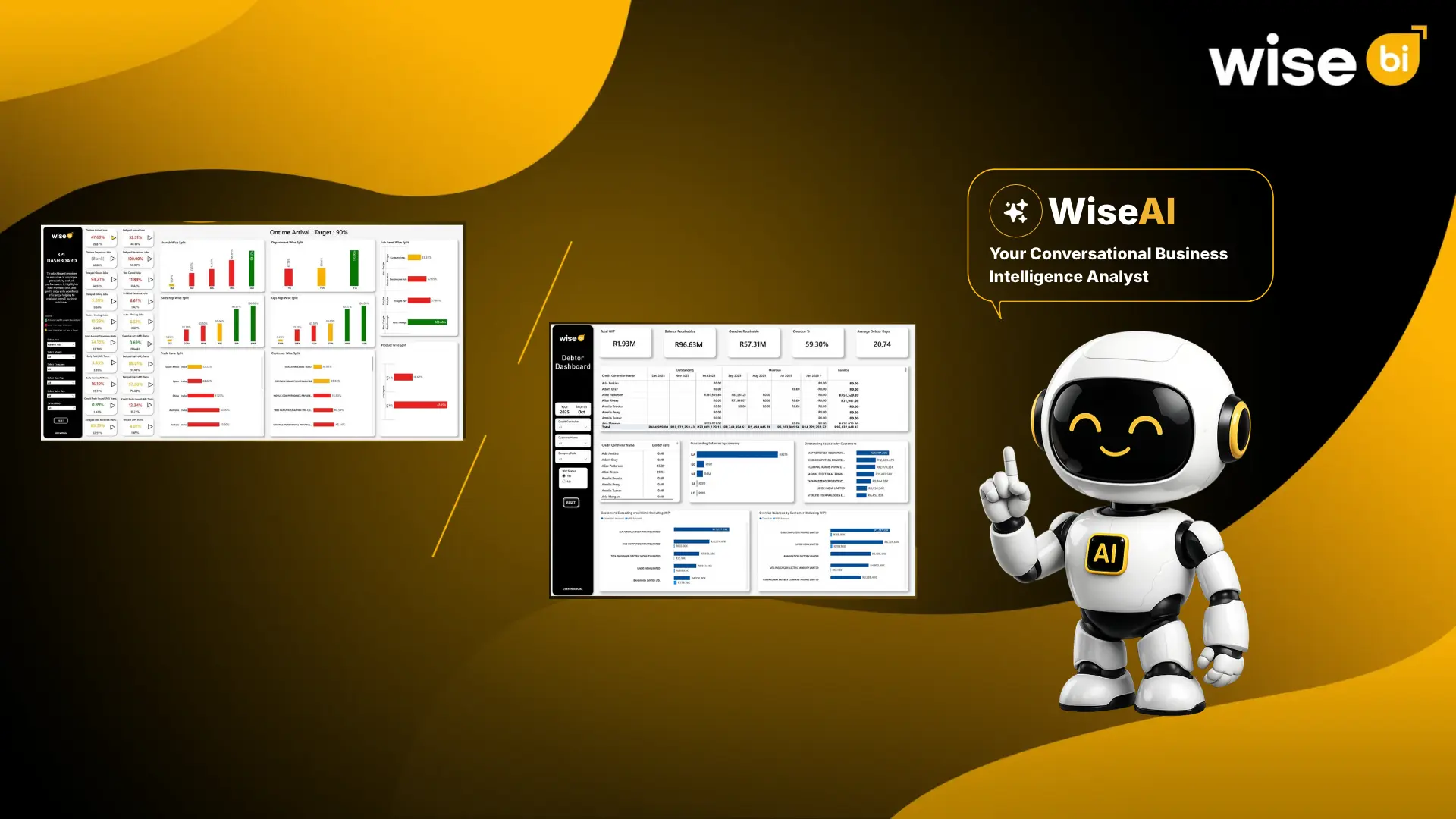
WiseBI helps CargoWise users analyze shipment performance, customer activity, branch results, revenue, and profitability. WiseAI adds conversational analysis, allowing users to ask questions in everyday language and generate dashboards from available reporting data.
Explore the WiseBI’s CargoWise Dashboard Library to review available categories and discuss suitable reporting options.
Conclusion
Which is right for your freight and logistics business?
Power BI and Tableau are both capable platforms for CargoWise-based analytics.
Power BI is a compelling choice for structured reporting, reusable models, and Microsoft environments. Tableau offers flexible visualization and interactive exploration.
Reliable integration, consistent KPI calculations, internal expertise, and total costs should guide the choice. Evaluate how well each platform answers your operational and financial questions before investing.
Book a free demo with WiseBI to discuss dashboard options for your freight and logistics business.