


Your freight forwarding company may handle hundreds of shipments, serve customers across multiple countries, and process thousands of financial transactions. But can management quickly identify which customers generate the highest profits, which branches perform well, or why shipment volumes are rising while margins decline?
CargoWise supports freight forwarding operations and financial workflows, but answering these questions often requires information from different reporting areas.
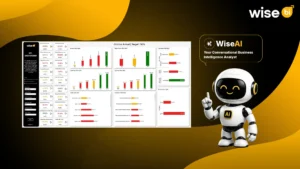
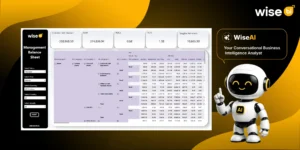
CargoWise business intelligence and analytics dashboards bring this information together. By connecting CargoWise data with Microsoft Power BI, freight forwarders can analyze shipments, revenue, profitability, customer activity, warehouse operations, and receivables through interactive reports.
What are CargoWise Business Intelligence Dashboards?
CargoWise business intelligence dashboards transform operational and financial data into visual reports, charts, and key performance indicators (KPIs).
Instead of reviewing separate shipment, sales, and financial reports, management can examine related information in one reporting environment.
For example, a director could compare ocean freight volumes across branches alongside the revenue and gross profit generated. With properly modeled data, these dashboards support decisions across operations, sales, finance, and management.
How does CargoWise Data Connect to Power BI?
Reliable CargoWise analytics requires more than transferring records into Power BI. Data must be extracted, validated, organized, and modeled before it can support consistent reporting.
A typical reporting architecture follows this sequence:
CargoWise → Data Extraction and Integration → Data Warehouse → Data Model → Power BI Dashboards
CargoWise Data Extraction Methods
CargoWise data integration approaches may be considered depending on the ERP environment and approved access options.
CargoWise E-Adapter Integration: Where supported, E-Adapter interfaces enable relevant business information to be exchanged with external systems. Available data depends on the configured interfaces.
API-Based Integration: Authorized APIs may provide access to supported CargoWise information. Businesses must verify available interfaces and data objects.
Read-Only Database Access: Where explicitly authorized and supported, read-only access may enable reporting data extraction without modifying source records. Appropriate security and technical approvals are essential.
Scheduled Reports and Power Automate: Scheduled CargoWise report outputs can be processed through Microsoft Power Automate when suitable. Reliability depends on report formats, refresh requirements, and data completeness.
Why does a Data Warehouse Matter?
Shipment records, customer invoices, supplier charges, and financial transactions may follow different structures and reporting periods.
A data warehouse organizes this information for consistent analysis, historical comparisons, and shared KPI calculations.
For example, revenue reported by shipment date may differ from revenue reported by invoice date or accounting period. Defining these measures prevents confusion when departments compare results.
Six Essential CargoWise Analytics Dashboards for Freight Forwarders
Different departments need different information. The most useful dashboards answer specific business questions rather than simply displaying available data.
1. Shipment and Volume Analysis Dashboards
Shipment counts alone don’t explain freight activity. A branch may handle fewer shipments while moving greater cargo volumes.
CargoWise shipment and volume dashboards help analyze shipment counts, ocean freight TEUs and cubic meters, air freight chargeable weight, trade lanes, carriers, and import-export trends.
For example, increasing TEU volume with unchanged shipment counts may indicate larger average shipments. Comparing these measures helps operations managers understand demand, customer activity, and resource requirements.
2. Revenue, Cost, and Profitability Dashboards
Higher revenue doesn’t always mean better profitability. A branch may increase sales while carrier charges or operating costs reduce its margins.
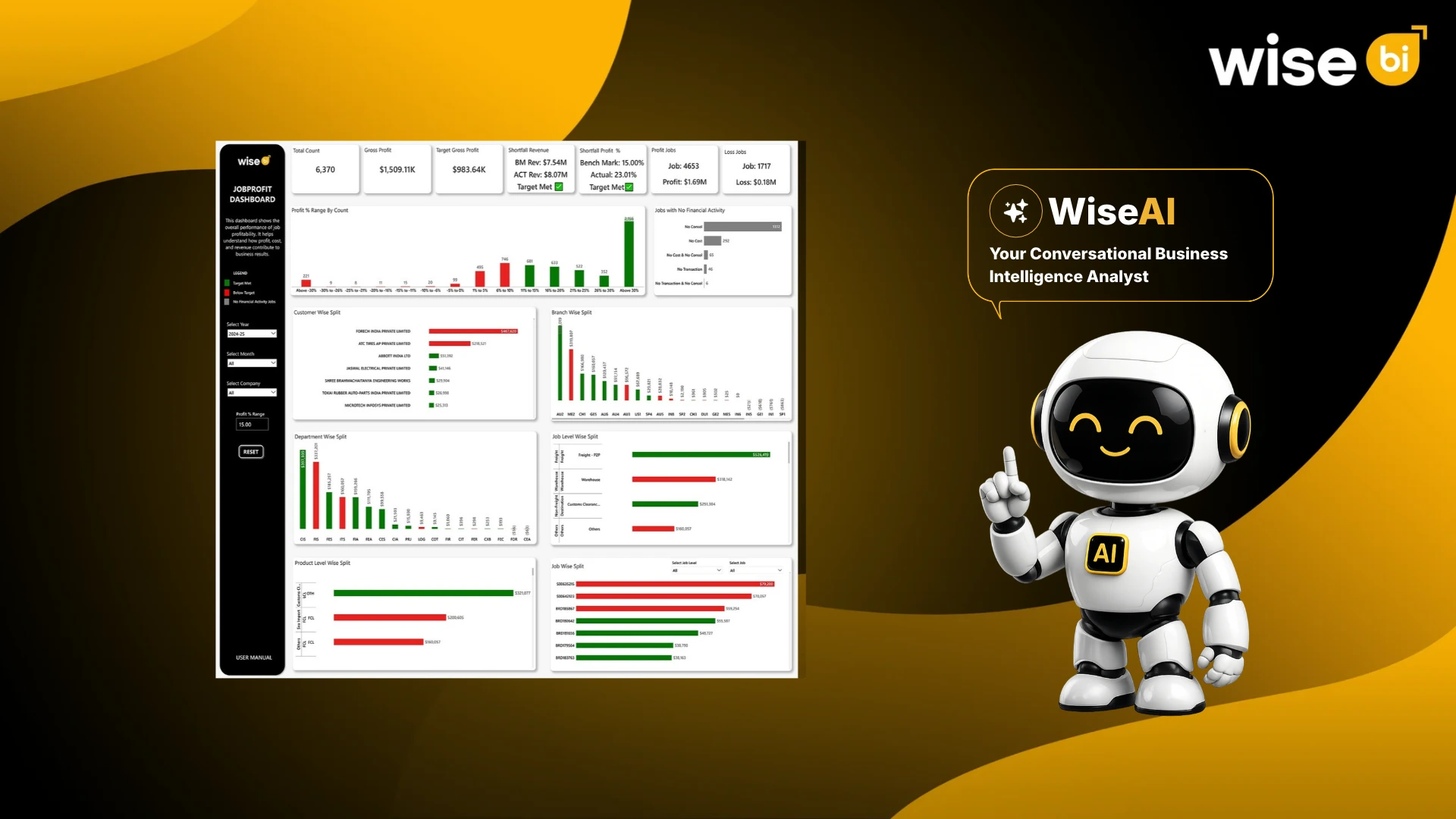
CargoWise revenue and profitability dashboards help analyze revenue, direct costs, gross profit, margins, and job profitability across customers, shipments, services, and branches.
If air freight revenue increases while gross profit barely changes, managers can investigate supplier costs, shipment mix, and pricing decisions. This helps identify profitable business rather than focusing only on sales growth.
3. Customer Analysis and Sales Performance Dashboards
Customer value isn’t determined by shipment volume alone. Some accounts generate frequent shipments but contribute relatively low margins.
Customer analysis dashboards help sales teams review revenue, shipment frequency, gross profit, quotation activity, and changing customer volumes.
A decline in regular shipments may prompt an account manager to investigate pricing, service requirements, or competition.
Sales dashboards can also track quotation conversion, targets, and representative performance where supporting records are available.
4. KPI and Business Performance Dashboards
KPI dashboards help managers monitor whether operational and financial performance meets business objectives.
Depending on available CargoWise data, reporting may include shipment growth, gross profit margins, quotation conversion, job profitability, and billing timeliness.
For example, rising shipment activity alongside delayed invoicing may indicate pressure on billing processes.
Comparing KPIs across branches, departments, targets, and reporting periods helps management identify areas requiring investigation.
5. Warehouse Operations Dashboards
For freight forwarders using supported CargoWise warehouse workflows, dashboards can provide visibility into inbound and outbound movements, inventory activity, storage utilization, and handling volumes.
If inbound cargo increases while outbound movements remain stable, management can investigate possible inventory accumulation and storage capacity requirements.
Accurate warehouse transactions are essential for reliable reporting.
6. Debtor and Accounts Receivable Aging Dashboards
Strong revenue doesn’t guarantee healthy cash flow. Overdue customer invoices can create financial pressure even when shipment activity is growing.
CargoWise debtor aging dashboards help finance teams monitor outstanding balances, overdue receivables, and collection priorities.
Balances can be grouped into aging periods and analyzed by customer, branch, or reporting date.
When a major customer’s overdue balance increases, credit controllers can examine unpaid transactions and coordinate payment follow-ups.
What Makes a CargoWise Power BI Dashboard Useful?
A useful dashboard needs accurate information, relevant filters, and appropriate access controls.
Revenue, shipment counts, and profitability measures should follow consistent calculation rules. Users should be able to filter authorized data by customer, branch, service, or reporting period.
Refresh schedules must also be clear. Role-based permissions and Row-Level Security (RLS), where configured, help restrict sensitive information.
These requirements ensure employees can interpret dashboard results confidently.
How can Freight Forwarders Start with CargoWise Business Intelligence?
Start with the business questions management struggles to answer rather than implementing every dashboard immediately.
A company facing declining margins may prioritize profitability reporting. Another way to address overdue payments is to begin with accounts receivable dashboards.
Once priorities are established, the implementation team can assess data availability, integration methods, KPI definitions, and reporting requirements.
A focused approach makes it easier to validate results before expanding into additional analytics areas.
CargoWise Business Intelligence and Analytics with WiseBI
WiseBI provides 50+ ready-to-use, AI-powered CargoWise BI dashboards and custom BI development services designed specifically for freight forwarding companies.
Our prebuilt dashboards cover shipment and volume analysis, revenue, costs, profitability, customer performance, sales, and financial KPIs. Freight forwarders can monitor business performance across branches, departments, customers, and services using their CargoWise data.
For businesses with specific reporting requirements, we also offer custom Power BI dashboard development to build reports around their operational workflows, financial metrics, and management needs.
With WiseAI, our Data Intelligence Assistant, users can ask questions in everyday language, explore dashboard data, and receive relevant insights without manually navigating multiple reports.
Whether you need ready-to-use dashboards or a customized BI solution, we help your team turn CargoWise data into meaningful business insights.
Conclusion
CargoWise business intelligence dashboards help freight forwarders understand shipment activity, customer performance, profitability, warehouse operations, and outstanding receivables.
With accurate data, consistent KPIs, and relevant Power BI dashboards, management can identify trends, investigate problems, and make informed decisions.
Want better visibility into your CargoWise business performance? Book a free demo with WiseBI to explore business intelligence and analytics dashboards designed for freight forwarders.