


The biggest challenge in business intelligence isn’t always getting information into a dashboard. Sometimes, it’s deciding who should be allowed to see it.
Freight forwarding companies handle large amounts of commercial, operational, and financial data in CargoWise. When that information becomes available through BI dashboards, employees can analyze everything from shipment volumes and customer revenue to outstanding invoices and job profitability.
But information that helps one department make decisions may be confidential to another.
Sales teams need customer performance insights. Finance teams require detailed financial information. Branch managers monitor local operations, while executives need consolidated business reporting.
Making all this information available without appropriate access controls creates unnecessary risk. Restricting it too heavily can make reporting less useful.
That’s why role-based dashboard access and Row-Level Security (RLS) are important for freight forwarding businesses adopting Power BI and other business intelligence solutions.
The goal is straightforward: employees should see the information they need while sensitive business data remains protected.
The Real Problem with Giving Everyone the Same BI Dashboard
A business intelligence dashboard can combine information from multiple CargoWise data sources into a single reporting environment. This creates a more complete picture of business performance, but it also brings together data with different confidentiality requirements.
Customer revenue, supplier costs, profit margins, financial transactions, and shipment information do not necessarily belong in the same employee’s reporting view.
Even within a department, access requirements can vary. A sales representative may need visibility into assigned customers, while a sales director requires broader regional performance. A finance analyst may work with receivables, while a finance controller needs access to consolidated financial results.
Giving everyone unrestricted access increases unnecessary exposure. Creating completely separate reporting environments for every employee, however, can make data management difficult.
A better approach is to control access according to business responsibilities while maintaining consistent reporting definitions.
Start with Business Responsibilities, Not Dashboard Permissions
Before configuring security settings, freight forwarding companies need to understand how different teams use business data.
Sales reporting should support customer management, quotations, revenue analysis, and sales performance. Finance reporting needs to cover billing, receivables, payables, costs, and profitability.
Operations teams require shipment activity, volume trends, consolidation performance, and operational KPI dashboards. Senior management needs broader visibility into overall business performance dashboards across authorized companies, branches, and departments.
These requirements form the basis of Role-Based Access Control (RBAC), which assigns permissions according to organizational responsibilities rather than giving all employees identical access.
However, access to a dashboard and access to the records inside it are not the same thing. A user may be authorized to open a customer revenue dashboard without being authorized to view every customer’s financial information.
That distinction is where Row-Level Security becomes essential.
How Row-Level Security Changes Dashboard Access?
Row-Level Security (RLS) controls which records a user can access within a reporting data model.
In Microsoft Power BI, RLS uses security roles and filtering rules to restrict the rows available to users. This allows organizations to maintain shared reporting models while enforcing different data-access boundaries.
For freight forwarding businesses, those boundaries may be based on assigned customers, branches, departments, regions, or business entities.
The underlying KPI definitions can remain consistent even when users are permitted to view different subsets of the data.
RLS also works differently from ordinary dashboard filters. A report filter allows users to change the information displayed for analysis, while RLS restricts which records are available to them in the first place.
This distinction is important when designing secure CargoWise BI dashboards because hiding information through a report filter does not provide the same protection as enforcing permissions in the underlying data model.
Static and Dynamic RLS: Two Ways to Manage Data Visibility
Power BI supports two common approaches to row-level access.
Static RLS uses predefined security roles with fixed filtering conditions. It can be suitable when access requirements are stable, and the number of reporting groups is manageable.
Dynamic RLS determines access using the signed-in user’s identity and maintained permission mappings.
In Power BI, dynamic security can use functions such as USERPRINCIPALNAME() to identify the user and apply appropriate filters through the semantic model.
For businesses operating across multiple branches, dynamic RLS can simplify permission management when users have different or changing reporting responsibilities.
However, dynamic security is not automatically more secure. Its effectiveness depends on accurate access mappings, correctly configured relationships, and appropriate administrative controls.
The right approach depends on the organization’s structure, the complexity of its reporting requirements, and how frequently user responsibilities change.
A Secure Dashboard Needs More than RLS
One important limitation is often overlooked: RLS restricts rows, not individual columns.
A user authorized to view certain customer records may still encounter sensitive financial fields within those records unless additional controls are applied.
For this reason, dashboard security requires several layers.
| Security Layer | What It Controls |
| Role-based permissions | Which reporting resources employees can access? |
| Row-Level Security (RLS) | Which records are available to authorized users? |
| Object-Level Security (OLS) | Access to selected tables or columns in supported Power BI semantic models? |
| Workspace permissions | Who can view, manage, or modify reporting resources? |
| Identity management | How users are authenticated and assigned permissions? |
These controls serve different purposes and should be configured according to the sensitivity of the data.
Power BI also has an important workspace permission consideration. RLS applies to users with the Viewer workspace role. Users assigned Admin, Member, or Contributor roles have elevated permissions and are not restricted by RLS in the same way.
That makes permission assignment just as important as the security rules themselves. A carefully designed RLS model cannot provide the intended protection if report consumers receive unnecessarily elevated access.
Why Multi-Branch Freight Forwarders Need a Stronger Access Strategy?
Freight forwarding businesses often operate across several companies, offices, countries, and service departments.
As reporting becomes more centralized, more employees may need access to shared business information. Without clear access boundaries, consolidated reporting can expose information beyond a user’s responsibilities.
At the same time, maintaining separate datasets and dashboards for every reporting group can create duplicated work and inconsistent calculations.
A governed BI environment can help address both challenges.
Shared semantic models support consistent definitions for revenue, shipment volumes, profitability, and other performance indicators. Role-based permissions and RLS can then restrict data according to authorized reporting responsibilities.
This allows companies to maintain centralized business intelligence without giving every user unrestricted company-wide access.
However, security must be considered throughout the reporting architecture, including underlying data sources, semantic models, report sharing, and export permissions.
Keeping Dashboard Access Secure as the Business Changes
Dashboard permissions should not be treated as a one-time configuration.
Freight forwarding companies regularly change employee responsibilities, customer assignments, reporting structures, and branch operations. Security settings need to reflect those changes.
An effective access governance process should establish who approves reporting permissions, how access is assigned, and when it should be reviewed.
The principle of least privilege is particularly important. Employees should receive the permissions necessary for their responsibilities without unnecessary additional access.
Organizations should also test security rules before publishing reports. In Power BI, role-testing features can help validate whether filtering works as intended.
Testing should confirm that users can access authorized information while restricted records remain protected across relevant reporting features. Actual user-account testing may also be necessary, particularly for complex identity or external-user configurations.
Periodic reviews help identify outdated permissions, inappropriate role assignments, and access that is no longer required.
These practices make dashboard security more reliable as reporting adoption grows.
Bringing Controlled Visibility Into CargoWise Reporting With WiseBI
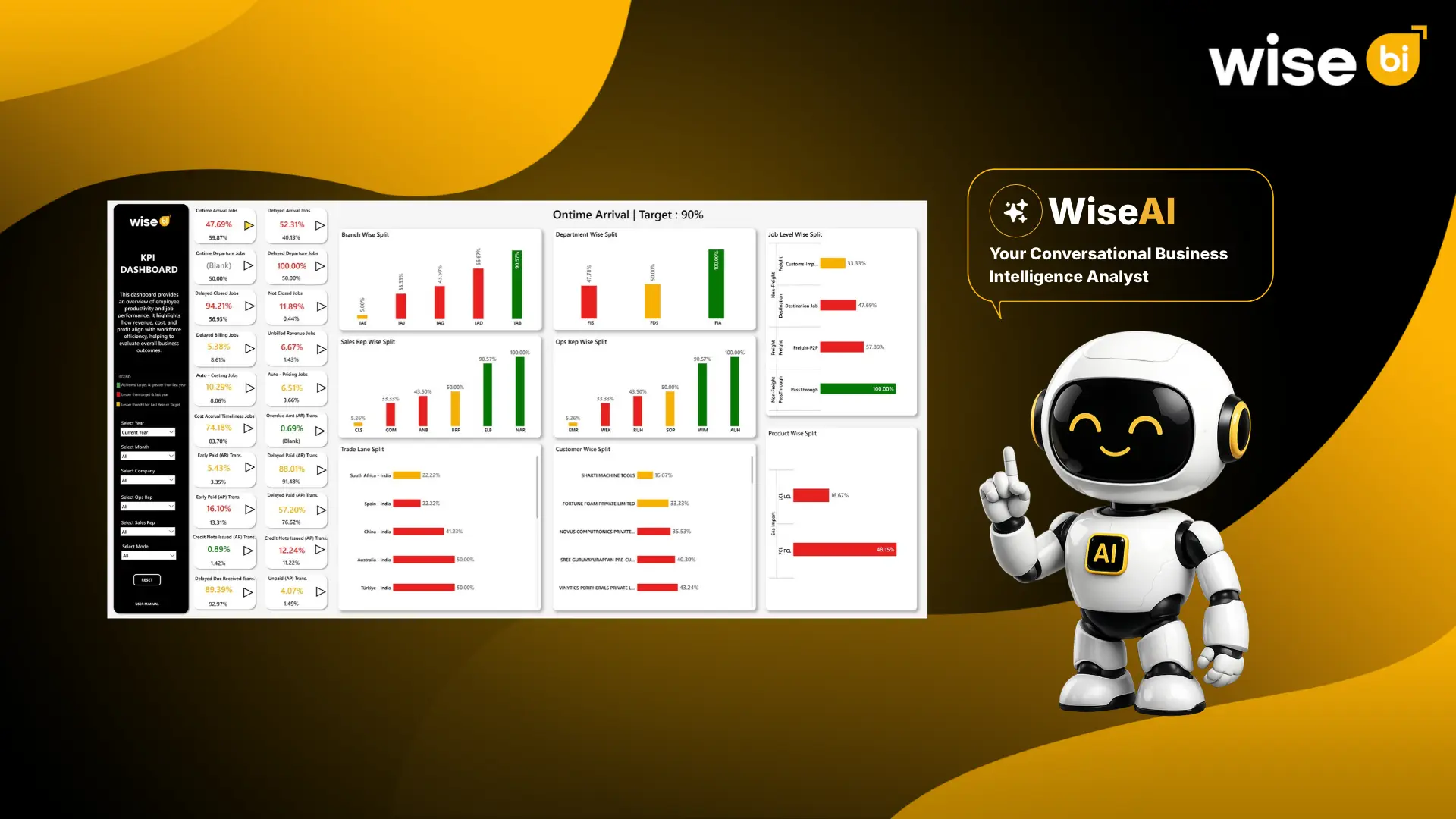
WiseBI provides CargoWise BI dashboards covering shipment performance, customer analysis, sales, revenue, costs, profitability, and other operational and financial KPIs.
With appropriately configured role-based dashboard access and Row-Level Security (RLS), freight forwarding companies can manage data visibility according to departmental responsibilities and user permissions. This helps businesses protect sensitive information while giving teams access to relevant insights for better decision-making.
WiseAI further enhances these capabilities through conversational BI, allowing users to explore connected business data using natural-language questions.
With read-only access, role-based controls, verifiable answers, and a full audit trail, it delivers reliable insights while maintaining data security and control.
These safeguards matter especially for conversational reporting because natural-language questions and generated results should respect the same access permissions as traditional dashboards.
Conclusion
Secure business intelligence helps freight forwarding companies access valuable insights while protecting sensitive information.
Role-based dashboard access and Row-Level Security (RLS) help sales, finance, operations, and management teams view relevant business data without unnecessary exposure.
With the right access controls, businesses can improve reporting visibility, strengthen data security, and make better decisions using CargoWise data.
Want secure, role-based reporting for your freight forwarding business?
Book a free demo with WiseBI to explore CargoWise dashboards and conversational BI, and discover how you can simplify reporting, gain real-time business insights, and make data-driven decisions with confidence.