


Your quarterly business review with an important customer is tomorrow. The customer wants to know how shipment volumes have changed, which trade lanes performed well, and whether freight operations improved during the last three months.
Your team has the information in CargoWise. But preparing the presentation is another challenge.
Someone must collect reports, compare quarterly figures, identify performance changes, create charts, and organize the findings into a PowerPoint presentation.
What if your team could access customer QBR insights in seconds and prepare the supporting analysis in minutes instead of spending hours manually reviewing reports?
WiseAI helps freight forwarding teams explore connected CargoWise data through natural-language questions, generate dashboards, download reports, and review written business insights.
This allows account managers and business leaders to spend less time gathering information and more time preparing meaningful customer discussions.
What is a Customer Quarterly Business Review (QBR) in Freight Forwarding?
A Customer Quarterly Business Review (QBR) is a structured meeting between a freight forwarder and its customer to evaluate shipment performance, review service challenges, and establish priorities for the next quarter.
Unlike regular shipment updates, a QBR examines the overall business relationship.
For example, a customer shipping cargo between Asia and the United States may want to understand whether shipment volumes increased, which trade lanes handled the most cargo, and how freight activity changed compared with the previous quarter.
A useful QBR presentation should explain what happened, why it matters, and which areas require attention.
Why does Preparing a Customer QBR PowerPoint Take So Much Time?
Freight forwarding teams often gather data from multiple reports to prepare a quarterly review of customer performance and conduct a detailed customer analysis.
Shipment counts must be compared across periods. Freight volumes need to be analyzed. Customer revenue, transport mode performance, and trade lane activity may require separate reports.
Even when the information is available in CargoWise, preparing a consolidated presentation can involve several manual activities.
Consider an illustrative reporting workflow:
| QBR Preparation Activity | Illustrative Manual Time |
| Collect shipment and customer reports | 45 minutes |
| Consolidate quarterly figures | 60 minutes |
| Compare shipment volumes and performance | 45 minutes |
| Identify key changes and prepare charts | 60 minutes |
| Assemble and review the presentation | 60 minutes |
| Total | 4 hours 30 minutes |
These times are examples, not measured WiseAI performance results. Actual preparation time varies by company, reporting complexity, and data availability.
The important point is that account managers can spend considerable time preparing information before discussing customer performance.
How does WiseAI Help Prepare Customer QBR Insights Faster?
WiseAI is a conversational business intelligence assistant within WiseBI’s Power BI reporting experience.
It allows authorized users to ask questions about connected business data without manually navigating multiple report pages.
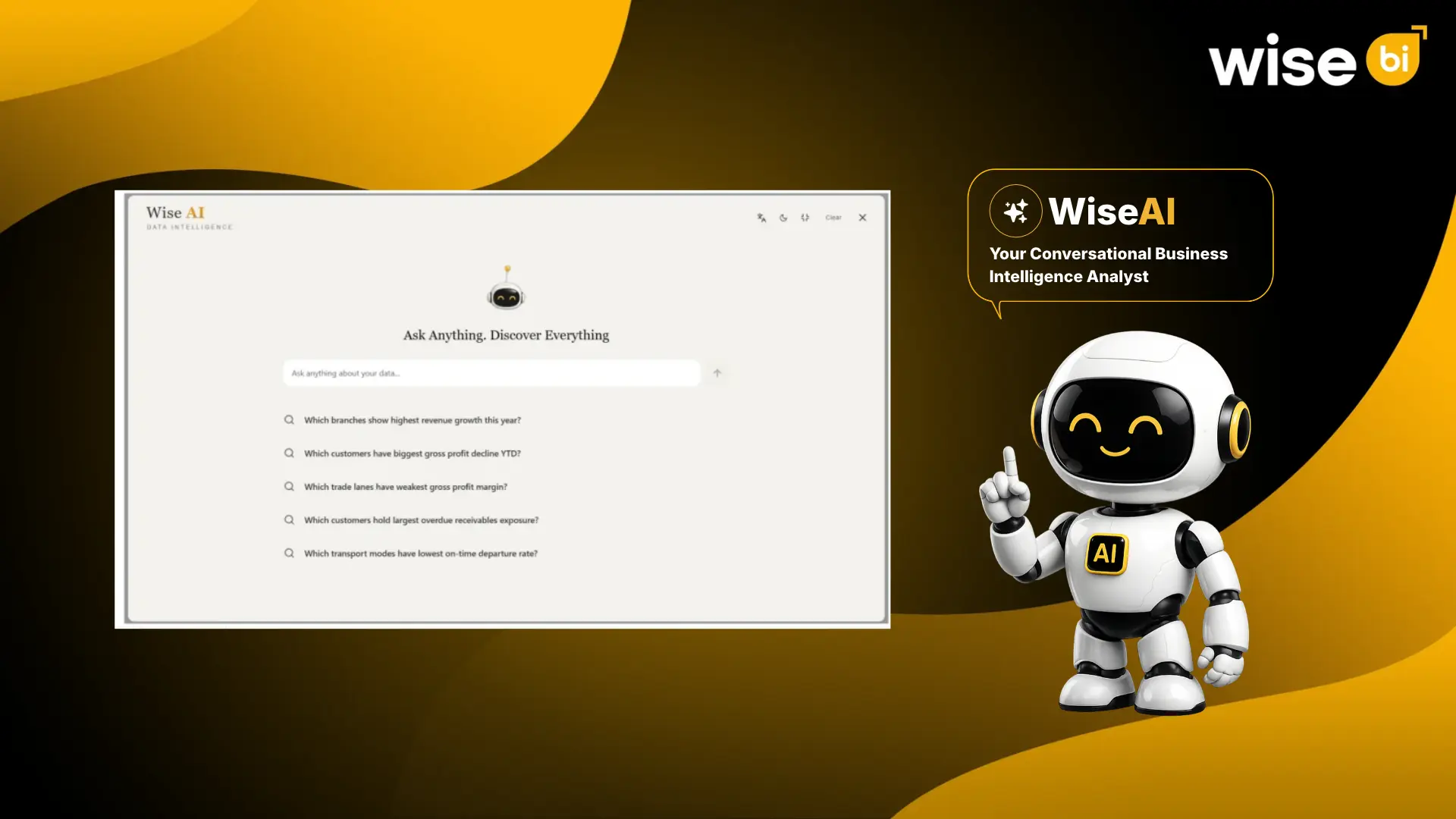
For example, an account manager can ask:
“Compare Customer A’s shipment volume and revenue for the current quarter against the previous quarter.”
Depending on the available reporting data, WiseAI can provide charts, tables, and written analysis.
The account manager can then ask:
“Which trade lanes experienced the largest change in shipment volume this quarter?”
WiseAI also supports current-year versus previous-year comparisons, helping teams understand customer performance over longer periods.
Users can begin with suggested questions or ask follow-up questions to investigate specific results.
Simple queries may return results quickly, while complex comparisons and dashboard generation can require additional processing time.
Generate Dashboards and Review Detailed Customer Insights
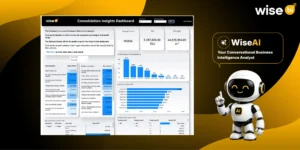
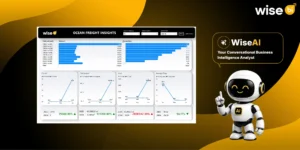
WiseAI can generate dashboards containing KPI cards, performance trends, and business comparisons.
Its reporting workspace includes two important views.
Dashboard View: Displays visual information such as shipment performance, freight volume trends, customer revenue, and transport mode comparisons, depending on the available data.
Insights View: Provides written summaries, key findings, metric comparisons, and recommendations associated with the dashboard.
For supported questions, users can also switch between AI chart and table views.
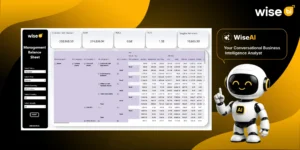
Charts make it easier to identify patterns, while tables help account managers inspect the underlying figures. Chart tooltips can provide additional values for specific data points.
These capabilities help users examine important changes before including them in a customer QBR presentation.
What should Your Customer QBR Presentation Include?
A customer QBR PowerPoint should focus on shipment performance, service trends, and opportunities to improve the business relationship.
Shipment Performance and Freight Volume Analysis
Shipment counts alone do not explain the complete picture.
A customer may handle fewer shipments while moving greater cargo volume.
Comparing shipment counts with ocean freight TEUs, cubic meters, or air freight chargeable weight helps account managers understand changes in shipping activity.
Trade Lane and Transport Mode Performance
Customers operating across multiple countries often need visibility into shipping activity by origin, destination, and transport mode.
Trade lane analysis helps identify routes experiencing higher or lower shipment volumes.
Comparing air and ocean freight activity can also reveal changes in the customer’s transportation requirements.
Customer Revenue and Business Trends
Customer revenue trends can help account managers understand changes in commercial activity.
For example, revenue may increase while shipment counts remain stable because freight rates or the service mix changed.
Reviewing revenue alongside shipment activity provides better context for the customer discussion.
Only customer-appropriate, authorized commercial information should be included in the presentation.
Quarterly Performance Comparisons
Comparing the current quarter with previous periods helps identify patterns that may not be visible in a single report.
WiseAI supports period-based comparisons, including current-year and previous-year analysis.
These comparisons can help account managers explain whether changes reflect longer-term trends or recent fluctuations.
Service Challenges and Improvement Opportunities
A customer QBR should also address operational concerns and opportunities for improvement.
Where reliable supporting data is available, teams can review service issues, shipment exceptions, or other agreed performance measures.
Operational explanations should be confirmed with the relevant teams before presenting them to customers.
From WiseAI Insights to a Customer QBR PowerPoint
Once the relevant analysis is available, account managers can organize the findings into a concise presentation.
A practical customer QBR slide structure includes:
| Slide | Customer Discussion |
| 1. Executive Summary | Quarterly performance highlights |
| 2. Shipment Performance | Shipment counts and volume trends |
| 3. Trade Lane Analysis | Activity across major shipping routes |
| 4. Transport Mode Performance | Air and ocean freight comparisons |
| 5. Commercial Overview | Agreed customer business measures |
| 6. Challenges and Opportunities | Service concerns and improvement areas |
| 7. Next-Quarter Action Plan | Priorities, responsibilities, and timelines |
WiseAI can help prepare supporting charts, comparisons, dashboards, and written insights.
Users can also download available reports for further review and presentation preparation.
The final PowerPoint should still be checked for data accuracy, customer relevance, and presentation quality.
Access QBR Insights Beyond Your Desktop
Customer QBR preparation does not always happen in one sitting.
An account manager may review shipment performance in the morning, investigate a trade lane change later, and revisit the analysis before meeting the customer.
WiseAI offers three useful capabilities to support this workflow.
- Report Downloads: Download available reporting outputs for review, sharing, and presentation preparation.
- Chat History: Revisit previous questions and insights instead of starting the analysis from scratch.
- Mobile Access: Access supported WiseAI functionality on mobile devices to review business insights while away from the desk.
These capabilities help account managers continue their analysis across different working situations, subject to access permissions and product configuration.
How Much Time can WiseAI Save During QBR Preparation?
The greatest opportunity for time savings is in the analysis stage.
When a validated reporting model is already available, account managers can ask targeted questions rather than repeatedly extracting and consolidating separate reports.
For example, a request to compare quarterly shipment volumes or customer revenue may provide a useful starting point for the review.
Follow-up questions can then identify trade lanes, transport modes, or periods requiring closer examination. This can reduce manual reporting effort, but it does not eliminate the need to verify important figures.
Actual WiseAI response times and preparation savings depend on the reporting environment, data quality, and question complexity.
Make Customer QBR Meetings More Valuable
A successful customer’s quarterly business review should go beyond presenting shipment statistics and quarterly performance reports. It should provide a clear understanding of the customer’s logistics activities, service performance, and changing business requirements.
With accurate CargoWise data and WiseAI-generated insights, freight forwarding teams can identify important performance trends, review service quality, and highlight areas that need attention.
These insights help account managers conduct more productive discussions, align logistics services with customer expectations, and establish clear priorities for the next quarter.
By turning reporting data into meaningful discussions and actionable decisions, freight forwarders can strengthen customer relationships and deliver greater value through every QBR meeting.
Create Customer QBR Reports With WiseBI
WiseBI provides AI-powered CargoWise business intelligence dashboards covering shipment activity, freight volumes, customer performance, revenue, profitability, branch-level insights and custom BI development based on the reports requirements.
WiseAI extends this reporting experience through conversational business intelligence.
Freight forwarding teams can ask questions, compare reporting periods, generate dashboards, review written insights, download available reports, revisit chat history, and access supported functionality on mobile devices.
With read-only access, role-based controls, verifiable answers, and auditability, WiseAI is designed to support responsible analysis of business information.
These capabilities help account managers and business leaders prepare quarterly customer reviews with less manual reporting effort.
Conclusion
Preparing a customer quarterly business review should not consume the time teams need to understand customer requirements and improve service performance.
WiseAI helps freight forwarding professionals explore CargoWise data, identify performance trends, and prepare useful QBR insights more efficiently.
Want to simplify your next customer QBR meeting?
Book a free demo with WiseBI to see how WiseAI supports customer performance analysis and QBR preparation.